
Rendair AI
Rendair AI is an all-in-one AI rendering workspace built for architects and designers. It converts text prompts, sketches, floor plans, CAD drawings, and 3D models into photorealistic renders, edits any part of an image with natural language, and animates static renders into realistic videos. Over 500,000 architects use tools such as Rendair Chat, text-to-render, sketch-to-render, and upscaling to present concepts faster and win client approvals. Subscription plans start at 9.50 euros per month.
What is Rendair AI?
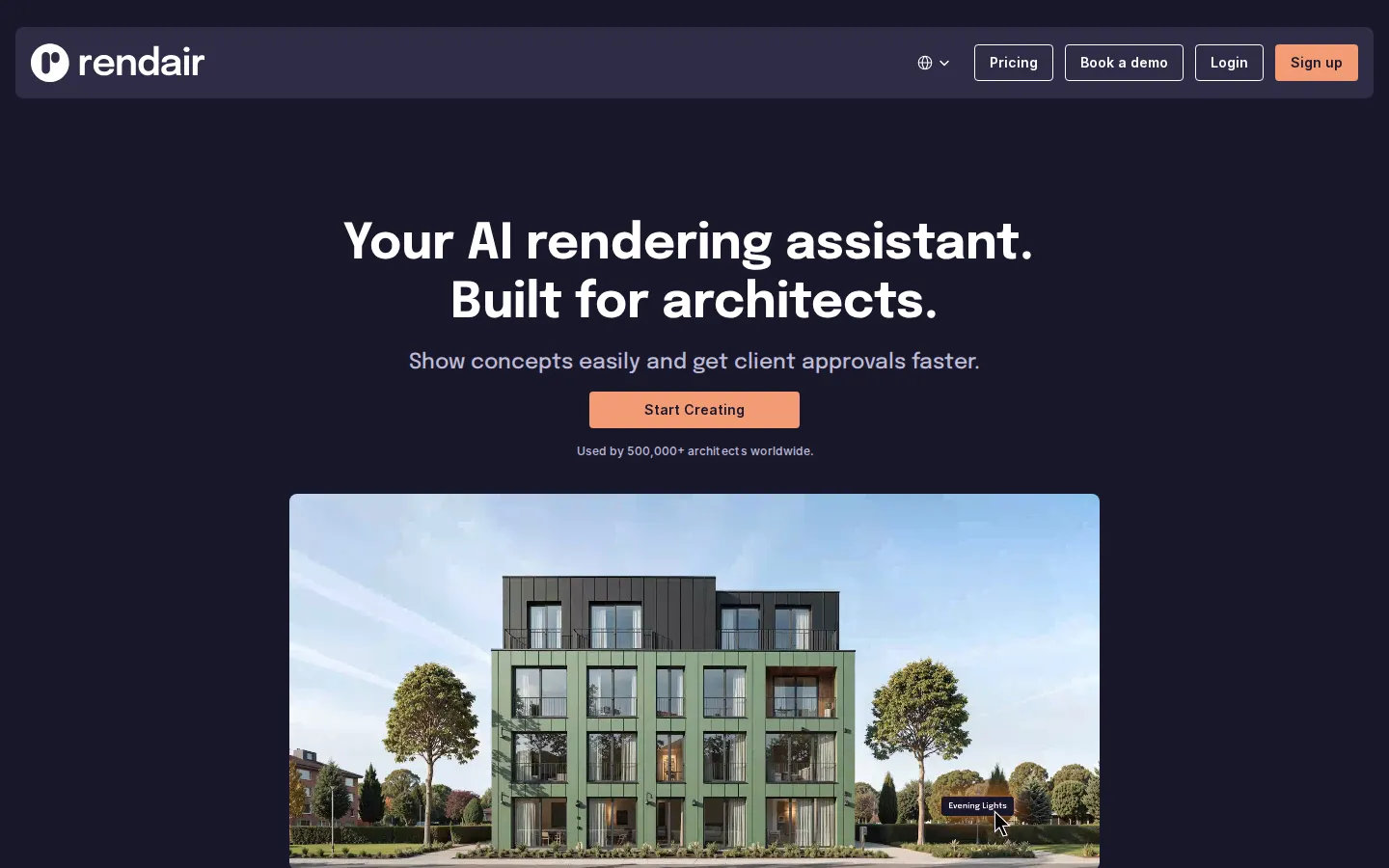
Rendair AI is an AI rendering workspace built specifically for architects and designers, used by more than 500,000 architects worldwide according to the company. The platform's core promise is turning concepts into client-ready visuals in seconds instead of hours. It offers a suite of specialized tools: Rendair Chat lets users generate, edit, and improve renders using natural language; text-to-render creates visuals from written descriptions; sketch-to-render converts hand sketches into photorealistic images; floorplan-to-render turns floor plans into furnished interior visuals; 3D model-to-render, elevation-to-render, section-to-render, and CAD-to-render handle technical inputs; image-to-render creates variations of existing images; a landscape designer generates garden and outdoor designs; and an upscaler improves render sharpness for presentations. The platform also animates static renders into smooth, realistic videos, which helps architects communicate movement and atmosphere in client pitches. Rendair frames itself as an AI workspace rather than a single tool: users can chat with AI to generate, edit, and improve renders, change or improve any part of an image effortlessly, and convert static renders into video. Workflows are designed around common architectural tasks such as interior visualization, exterior renders, and landscape design, and the pricing page lists subscription plans with monthly credit allowances that never expire while a subscription stays active. The product is used by professionals for interior and exterior renderings, formulating inspiration, and presenting creative designs, with testimonials praising the time savings and the support team. Rendair is a browser-based SaaS product with sign-up at rendair.ai, and the company emphasizes that AI handles the heavy lifting so designers can show concepts easily and get client approvals faster. It is a strong fit for architecture studios, interior designers, real estate developers, and students who need fast photorealistic visualization without learning traditional rendering software. The company highlights measurable outcomes such as showing concepts easily and getting client approvals faster, and the platform is marketed as an AI workspace rather than a single render button. Pricing and credit allowances are transparent on the pricing page, with yearly billing discounts and a book-a-demo option for teams. The platform also emphasizes multilingual support with English, Spanish, French, Italian, and Portuguese interfaces, reflecting its international user base. Rendair positions itself as a practical alternative to traditional rendering software, which typically requires significant hardware, rendering time, and technical skill, by moving the entire pipeline into the browser and letting AI handle the heavy computation.
Rendair AI Core Features
Rendair Chat
Generates, edits, and improves renders using natural language conversation with AI.
Text to Render
Creates photorealistic architectural visuals directly from written descriptions.
Sketch to Render
Converts hand-drawn sketches into polished, photorealistic images.
Floorplan to Render
Turns 2D floor plans into fully furnished interior visuals.
3D Model and CAD to Render
Renders 3D models, elevations, sections, and CAD drawings into realistic scenes.
Edit and Adjust
Changes any part of an image, such as materials or lighting, without re-rendering from scratch.
Video and Animate
Converts static renders into smooth, realistic videos for client presentations.
Upscale and Enhance
Sharpens renders to presentation quality and improves detail.
Who is Rendair AI for?
Rendair AI is designed for architecture and design professionals who need fast photorealistic visuals. Architects use it to show concepts to clients and get approvals faster, replacing slow traditional rendering workflows. Interior designers rely on floorplan-to-render and chat editing to visualize furnished spaces and iterate on layouts in minutes. Landscape architects and garden designers use the dedicated landscape designer tool to create outdoor concepts. Architecture students use the affordable Student plan to produce presentation-quality renders for studio projects and portfolios. Real estate developers and marketers use image-to-render and video animation to create sales materials from existing drawings and models. Design teams in firms of all sizes use Rendair Chat to edit renders with natural language, adjusting materials, lighting, and furniture without re-rendering from scratch. Because the platform handles sketch, floorplan, elevation, section, and CAD inputs, it suits both early concept exploration and final presentation work across residential, commercial, and landscape projects. Architectural visualizers and CGI artists use Rendair to produce quick concept renders that complement their detailed final work in traditional tools. Urban planners and municipal teams generate massing studies and context renders from CAD and section inputs to communicate proposals to stakeholders. Homeowners and renovation contractors describe or sketch their spaces and receive furnished visualizations before committing to remodeling decisions. Furniture and material suppliers create lifestyle imagery of their products inside realistic architectural scenes for catalogs and showrooms. Architecture firms preparing competition entries use the platform to produce a high volume of presentation images under tight deadlines. Educators teaching design studios can demonstrate how AI rendering fits into professional workflows, and students on the Student plan get access to the same toolset at a reduced price.
Rendair AI Use Cases
Turn a client's hand sketch into a photorealistic exterior render within minutes.
Convert a floor plan into furnished interior visuals for a real estate listing.
Chat with AI to swap materials and lighting in a render during a client meeting.
Animate a static elevation into a walkthrough-style video for a project pitch.
Create landscape and garden designs with the dedicated landscape designer tool.
Generate render variations from an existing image to explore design options.
Upscale final renders so they look sharp in print and presentation decks.
Help architecture students produce studio-quality visuals on a student budget.
Rendair AI Pros and Cons
Pros
- Covers the full rendering workflow from sketch and floor plan to final video.
- Natural language editing makes design iteration fast and accessible.
- Trusted by 500,000+ architects with strong testimonials on time savings.
- Unused credits never expire while a subscription stays active.
Cons
- No permanent free plan; only a free trial is available.
- Prices are quoted in euros, which may vary by region and card fees.
- Advanced features like video generation consume credits quickly.
FAQ About Rendair AI
Rendair AI Pricing
Paid subscription plans in euros: Student 9.50/mo (250 credits), Starter 19/mo (500 credits), Pro 49/mo (1,500 credits), Studio Pro 200/mo (7,500 credits); yearly billing saves 20%. Free trial available, no permanent free tier.
Check official pricingStudent
250 credits per month, for students; yearly €7.60.
Starter
500 credits per month; yearly €15.00.
Pro
1,500 credits per month, best value; yearly €39.00.
Studio Pro
7,500 credits per month plus personal training; yearly €169.00.
Rendair AI Alternatives

Filmpire
Filmpire combines AI video, image, and voice generation in one browser studio built on a shared credit balance. Start from a prompt or reference image, choose from models such as Hailuo, Seedance, Kling, Veo, or GPT Image, let the AI director plan a full story, then export watermark-free files with commercial rights on any paid plan.

JuicyChat.AI
JuicyChat.AI is a browser-based adult character chat platform built around a large library of community-created personas. You pick a card, open a roleplay and steer the story with your own messages, then extend it with generated images, short videos, voice playback and saved memories. A free tier covers basic chatting, while Premium, Deluxe and Diamond memberships add longer context, more coins and unlockable albums.

APIPod
APIPod is a unified AI media generation API for developers: one key unlocks 156 image, video and language models from 14 providers, including Seedance, Google Veo, Sora, Nano Banana, GPT Image, Kling, Wan and MiniMax. Billing is pay-as-you-go through credit top-ups, metered per token, request or second, with weighted multi-channel routing, automatic failover and circuit breakers on every request.