
PixelLab
PixelLab is an AI-powered pixel art generation platform for indie game developers and artists. It turns text prompts and reference images into style-consistent sprites, characters, scenes, maps, and UI elements, with tools for one-click animation, directional rotations, and true inpainting. Models run on cloud GPUs, so creators work from any machine without high-end hardware, and API access plus an MCP agent toolkit support automated asset pipelines in Claude Code and Cursor.
What is PixelLab?
PixelLab is an AI pixel art generator and game asset toolkit that helps indie game developers create sprites, animations, environments, maps, and UI elements ten times faster than traditional pixel art workflows. The platform was built specifically for game development, so every tool is oriented around producing consistent, game-ready assets rather than generic illustrations. Core capabilities include text-to-sprite generation, style-consistent generation that adapts to reference images, one-click character animations from text prompts, skeleton-based animation controls, automatic character creator, 4 and 8 directional view rotations for isometric and top-down games, true inpainting that understands the original image during edits, scene and environment generation, game map and tileset generation, spritesheet generation, and pixel art UI element creation for buttons, health bars, and menu items. PixelLab also provides an API for automating workflows and dynamic asset generation, plus an AI Agent Toolkit that integrates with Claude Code, Cursor, and other AI assistants through MCP, allowing developers to generate assets programmatically inside their existing toolchains. The models run on cloud GPUs, so users do not need a powerful graphics card, and the platform works on Windows, Mac, and Linux. Users own the rights to generations and can use them commercially in games and projects, with the exception of using them to train models. Loved by more than 3,000 indie game developers, PixelLab positions itself as a complete toolkit for consistent, professional-quality game assets, covering everything from concept art to playable characters, with free trial access, three paid subscription tiers, and an enterprise option. In practice, the workflow covers the full asset pipeline for 2D games: concept art is turned into game-ready rotations, style references keep every sprite in a project visually aligned, and the spritesheet generator produces tiles that fit seamlessly for both top-down and side-scrolling levels. The platform also supports scene animation, where users describe what should happen and receive animated environments, storytelling sequences, and dynamic backgrounds. For teams, shared workflows and the enterprise tier add collaboration options and dedicated support, while individual developers can rely on the free trial to validate quality before subscribing.
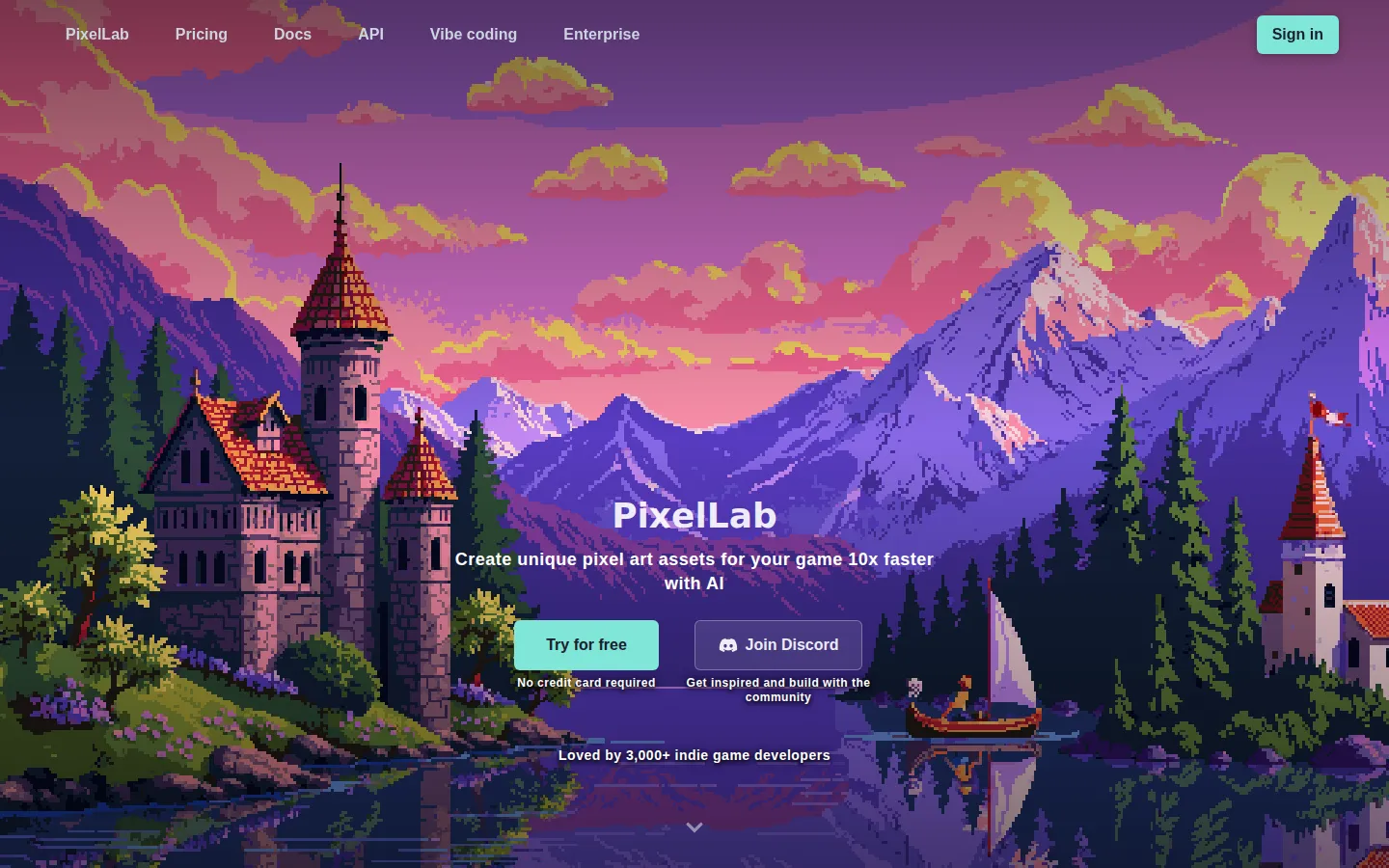
PixelLab Core Features
Text-to-sprite generation
Create sprites, items, and illustrations from text prompts, with sizes up to 200x200 pixels on the free tier and 512x512 on paid tiers.
Style-consistent generation
The tools adapt to your reference images so all characters and objects in a project maintain visual consistency across sprites.
True inpainting editing
Edit clothes, accessories, or environments while the model understands and preserves the original image for perfect style matching.
Skeleton-based animation
Animate characters with text prompts, skeleton-based controls, or the automatic character creator for walking, running, and attacking animations.
4 and 8 directional rotation
Generate directional views of characters and objects with a single click, ideal for isometric and top-down games.
Game map and tileset generation
Create maps, tilesets, and textures for both top-down and side-scrolling games with a spritesheet generator.
Pixel art UI elements
Generate buttons, health bars, and menu items with reference-based generation for consistent game interfaces.
API and MCP agent toolkit
Automate asset generation workflows and use the toolkit with Claude Code, Cursor, and other AI assistants.
Who is PixelLab for?
PixelLab is designed for indie game developers who need to produce pixel art assets quickly without hiring a dedicated pixel artist. Solo developers building their first game will find the free trial and low-cost tiers useful for creating characters, sprites, and UI elements. Small game studios can use the API and MCP agent toolkit to automate asset pipelines inside Claude Code or Cursor. Game artists and animators benefit from the rotation, inpainting, and skeleton-based animation tools that keep style consistent across an entire project. Hobbyist pixel art enthusiasts exploring game development can generate scenes, maps, and tilesets for prototypes. Technical artists integrating procedural asset generation into their workflows will value the API access and concurrent background jobs on higher tiers. PixelLab is also suitable for teams building isometric or top-down games that need 4 and 8 directional views of every character. Game development students learning pixel art workflows can use the tutorials and documentation to understand generation-based pipelines. Content creators building game-related assets for platforms like itch.io and Steam can produce promotional sprites and UI elements quickly. Non-programmers who want to prototype game visuals benefit from the text-driven generation approach, which requires no artistic skill or coding knowledge. Pixel art enthusiasts exploring game development for fun also use the platform to prototype ideas without investing in a full art pipeline.
PixelLab Use Cases
Generate a full set of character sprites for an indie platformer from a single style reference image
Create 4 and 8 directional views of characters for isometric and top-down game projects
Animate walking, running, and attacking cycles for sprite sheets using text prompts
Build seamless game maps, tilesets, and textures for side-scrolling levels
Design pixel art UI elements like buttons, health bars, and menu items with consistent styling
Edit character outfits and accessories with inpainting while preserving the original art style
Automate game asset pipelines through the API or MCP toolkit inside Claude Code and Cursor
Prototype pixel art scenes and atmospheric backgrounds from text descriptions
PixelLab Pros and Cons
Pros
- Style consistency tools ensure all assets in a project match, saving hours of manual redrawing
- Runs on cloud GPUs so no powerful local hardware is required, works on Windows, Mac, and Linux
- Free trial with 40 fast generations and no credit card required to test the workflow
- API access and MCP agent toolkit make it possible to automate asset generation in developer workflows
Cons
- Lower tiers limit image resolution to 320x320 or 512x512 pixels, which may be small for large sprites
- Free tier restricts users to 40 fast generations plus only 5 slower daily generations
- Countries including Russia, Belarus, Iran, and Venezuela are not currently supported
FAQ About PixelLab
PixelLab Pricing
Freemium: free trial with 40 fast generations plus 5 slower daily generations; paid tiers from $12/month.
Check official pricingFree trial
40 fast generations, then 5 daily slower generations (store up to 20), images up to 200x200, basic animation, API access, commercial license.
Pixel Apprentice
2,000 images per month up to 320x320, animation tools, map generation, Discord support role, commercial license.
Pixel Artisan
5,000 images per month up to 512x512, priority queue, 10 concurrent jobs, priority support, early access.
Pixel Architect
10,000 images per month, highest priority, 20 concurrent jobs, team collaboration, Architect Discord role.
PixelLab Alternatives

Ropilot
Ropilot is a desktop AI agent for Roblox Studio. Describe a feature in plain English and it reads your game, writes production Luau, wires the UI, runs playtests and fixes what breaks. Through Blender it also models 3D assets, rigs animations and imports them into Studio. It works inside your existing project, not just blank templates. Free starter credits, then $20/month or packs from $8.

RPBuddy
RPBuddy is a browser-based AI RPG sandbox that pairs hex-map worldbuilding with persistent AI characters. You design settlements, buildings and NPCs, then step into the world to roleplay, fight turn-based battles, trade gear, and watch relationships and rumors evolve. Four genre settings, five art styles and generated visuals support every world, with a free tier and paid upgrades.

SeeleAgent
SeeleAgent by Seele AI is an AI game generator and multimodal creation agent. From a single text or image prompt it builds playable 2D and 3D games, 3D models, textures, rigs, audio, video, and project code, then lets you playtest in the browser and export the project to Unity, Unreal Engine, or Three.js. A Seele REST API is also available.