
Photo to Video AI
Photo to Video AI helps creators turn photos into polished AI videos with motion, transitions, and style control.
What is Photo to Video AI?
Photo to Video AI is an AI video generation platform built around animating still photography. The studio combines image-to-video, text-to-video, first-and-last-frame animation, lip sync, motion control and image generation in a single browser workspace. Users upload photos, describe the motion or narrative they want, and render short HD clips with selectable models including Kling, MiniMax and Hailuo, with adjustable aspect ratios, duration and resolution. The platform keeps an encrypted generation history, offers both subscriptions and one-off credit packs, and delivers watermark-free exports. It requires a free account - anonymous generation is not supported - and pricing starts at $15.90 per month after free signup and daily credits.
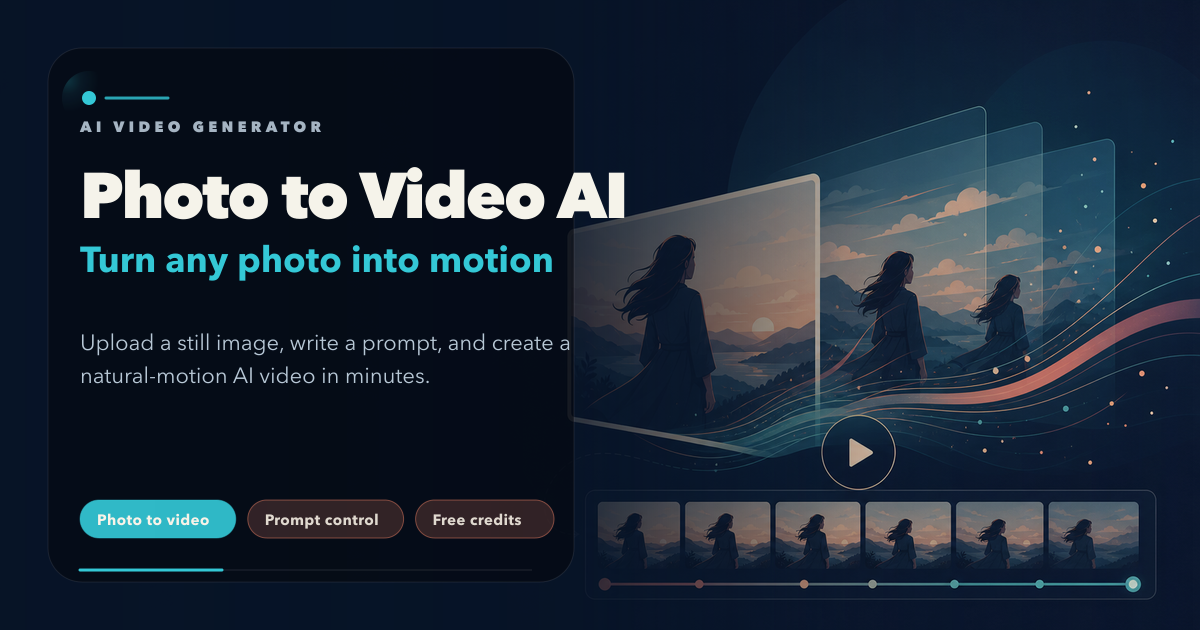
Photo to Video AI Core Features
Image to video
animate a single photo or a batch of photos into short motion clips
Access to leading video models including Kling, MiniMax and Hailuo
Text to video plus first/last-frame keyframe workflows in the same studio
Lip sync and motion control for talking characters and choreographed movement
Built-in AI image generation and editing for creating or refining source photos
Watermark-free exports with unlimited encrypted generation history
Who is Photo to Video AI for?
Creators and social media marketers making short-form video, e-commerce and jewelry sellers turning product photos into ads, real-estate agents animating listing shots, musicians building Spotify Canvas loops, and families creating memory reels from archived photos.
Photo to Video AI Use Cases
Turning product and jewelry photos into launch and advertising videos
Creating Spotify Canvas loops and release visuals for musicians
Animating real-estate listings with controlled camera movement
Bringing family archive photos back to life as memory reels
Animating fashion, food and pet photos for social posts
Adding motion to illustrations and anime artwork
Photo to Video AI Pros and Cons
Pros
- Runs entirely in the browser with no software to install
- Combines photo animation, image generation and editing in one workspace
- Free signup credits plus claimable daily login credits
- Multiple state-of-the-art video models included in one subscription
- Watermark-free exports and secure Stripe payments
Cons
- Account required - anonymous generation is not supported
- Credit cost per generation varies by model, duration and resolution
FAQ About Photo to Video AI
Photo to Video AI Alternatives

Fetra
Fetra AI is a web-based creative suite that combines a conversational AI Director, a multi-model video and image Create studio, Viral Remix templates, an AI Avatar library, free text-to-image and image-to-image generation, an asset library, and social publishing. It brings leading models such as GPT Image 2, Nano Banana 2, Seedance, Veo, and Kling into one credit-based workspace for creators, brands, and teams.

AI Seedance - Seedance 2.5 Video Generator
Generate directed Seedance 2.5 videos with text-to-video, image-to-video, reference guidance, synchronized audio, multi-shot storytelling, and up to 4K output.

Hypit
Hypit is an open-source video programming language and runtime for AI agents. A coding agent installs the skill, reads a reference video or a written brief, and rebuilds the shots, dialogue, B-roll, captions and effects with your material, producing many variants per run. Hosted generation runs on credit plans, and your own model keys can be used instead.