
Mermaid
Mermaid is a commercial diagramming platform from the team behind the open-source Mermaid.js project, trusted by over 5 million people and 200,000 companies. Users can prompt inside the canvas, paste a document, or write Mermaid syntax, and the AI suggests the right diagram type from flowcharts to mind maps. It offers real-time collaboration and MCP integrations for Claude and VS Code. Pricing starts with a free Basic plan.
What is Mermaid?
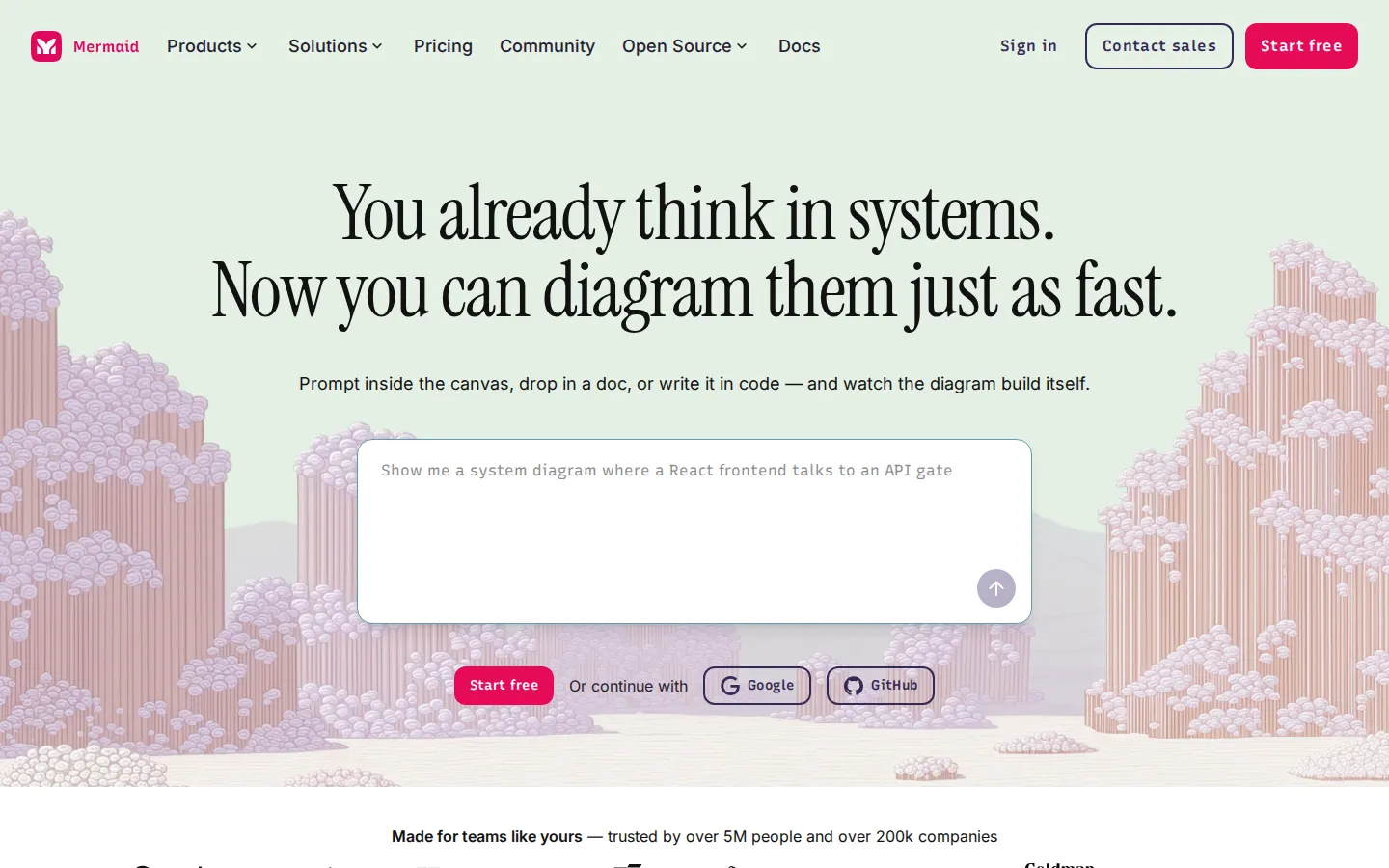
Mermaid is an AI-powered diagramming platform created by the team behind Mermaid.js, the popular open-source diagramming library, and it lets users create diagrams from natural-language prompts, uploaded documents, pasted transcripts, or direct Mermaid code. The product is designed around the idea that people already think in systems, so it should be as fast to diagram as it is to think: you type it, say it, or upload a doc, and Mermaid goes from input to diagram quickly. The AI component suggests the right diagram shape for what you are building, supporting flowchart, sequence, Gantt, ER, timeline, mind map, org chart, block, state, git graph, user journey, class, pie, and quadrant diagrams, and it holds context across the whole conversation so the diagram grows as the thinking does. Users can build with code by writing Mermaid syntax and clicking nodes to jump between the code and the canvas, or edit visually with node alignment and edge reattaching. Collaboration is real-time, with live co-editing, shareable links that require no login, and the ability to turn a conversation into a decision. The platform integrates with GitHub Copilot, Confluence, Google Docs, and other tools through plugins, and its MCP server lets users generate, validate, and render diagrams straight from Claude, VS Code, and Cursor. Presentation mode lets users create, share, and walk through diagrams without exporting to a second tool. Mermaid is trusted by over 5 million people and more than 200,000 companies, and it stays connected to the open-source project, whose repository has roughly 90,000 stars. Pricing is tiered: a free Basic plan with up to 6 diagrams and 15 AI credits, Plus at $10 per user per month billed annually with unlimited diagrams and 300 AI credits per year, Premium at $20 per user per month with 2,000 AI credits, unlimited viewer seats, and SSO, and Enterprise with custom contracts, IP transfer, and a dedicated customer success manager. The company behind it is Mermaid Chart, and the product keeps its open-source roots by supporting the Mermaid.js ecosystem.
Mermaid Core Features
Create with AI
Describe a diagram, upload a doc, or paste a transcript and get an editable first draft.
14+ diagram types
Flowcharts, sequence, Gantt, ER, timeline, mind map, org chart, state, C4, and more.
Code and canvas in sync
Write Mermaid syntax and click nodes to jump between code and shape.
Real-time collaboration
Live co-editing, no-login share links, and conversation-to-decision workflows.
MCP server integration
Generate, validate, and render diagrams from Claude, VS Code, and Cursor.
Plugins for your stack
Extensions for GitHub Copilot, Confluence, Google Docs, and VS Code.
Presentation mode
Create, share, and present diagrams without exporting to another tool.
Enterprise security
SSO, SOC 2 compliance, access controls, and IP transfer on Enterprise.
Who is Mermaid for?
Mermaid serves a wide range of professionals who think in systems and need to turn ideas into diagrams quickly. Developers use it to map features, workflows, and system architecture, and they can write Mermaid syntax directly or use the MCP server to generate diagrams from Claude, VS Code, and Cursor. Data engineers and analysts convert datasets into ER diagrams, flowcharts, and class diagrams for documentation and analysis. System architects design C4, ER, and sequence diagrams to keep complex platforms reliable and scalable, while DevOps engineers diagram CI/CD pipelines and infrastructure with Git and flowchart diagrams. QA engineers visualize test flows, coverage, and edge cases before release. Project managers and business analysts create Gantt charts, timelines, and user journeys to track projects and document processes, and consultants use user journey and C4 diagrams to align stakeholders. Startup founders build investor pitches with timelines and flowcharts, educators prepare lessons with sequence and class diagrams, and technical writers embed diagrams into documentation and wikis. The free Basic plan makes it easy for individuals to start, while Premium and Enterprise tiers add unlimited viewer seats, SSO, and IP transfer for larger organizations that need governance. Teams already using GitHub Copilot, Confluence, or VS Code benefit from the plugins that keep diagramming inside the tools they already work in.
Mermaid Use Cases
Turn a meeting transcript into a sequence diagram that captures system interactions in seconds.
Map CI/CD pipelines and infrastructure with Git graphs and flowcharts directly from your codebase.
Build investor pitch timelines and user journeys without leaving your notes app.
Generate ER diagrams from database schemas for documentation and team onboarding.
Plan a product roadmap as a Gantt chart and present it live in client meetings.
Convert a lesson outline into class and sequence diagrams for teaching complex topics.
Keep documentation diagrams in sync by updating them from Confluence or GitHub Copilot.
Collaborate on architecture diagrams in real time with distributed team members.
Mermaid Pros and Cons
Pros
- The AI creates the right diagram type from plain language, docs, or transcripts with minimal effort.
- Deep integration with the open-source Mermaid.js ecosystem, trusted by millions of developers.
- MCP server support brings diagram generation into Claude, VS Code, and Cursor workflows.
- A generous free tier plus affordable Plus and Premium plans for individuals and teams.
- Real-time collaboration and presentation mode reduce the need for separate diagramming and slide tools.
Cons
- Free plan limits users to 6 diagrams and 15 AI credits, which is tight for active use.
- Plus and Premium pricing is billed annually, so monthly flexibility is limited.
- Advanced governance features like SSO and IP transfer require the most expensive Enterprise tier.
FAQ About Mermaid
Mermaid Pricing
Freemium; free Basic plan, Plus $10/user/month and Premium $20/user/month billed annually, Enterprise custom.
Check official pricingBasic
3 diagrams, limited size, 15 AI credits, one team and project
Plus
Unlimited diagrams, 300 AI credits per year, billed annually
Premium
2,000 AI credits per year, unlimited viewer seats, SSO, billed annually
Enterprise
Custom contracts, IP transfer, dedicated customer success manager
