
GeoSolver
GeoSolver is a web app that analyzes photos, screenshots, and GeoGuessr rounds to estimate where they were taken. It reads roads, signs, bollards, vegetation, architecture, and camera meta, then explains the reasoning behind every guess. It also bundles EXIF viewing tools, an analysis history archive, and a free preview of key location clues before you upgrade.
What is GeoSolver?
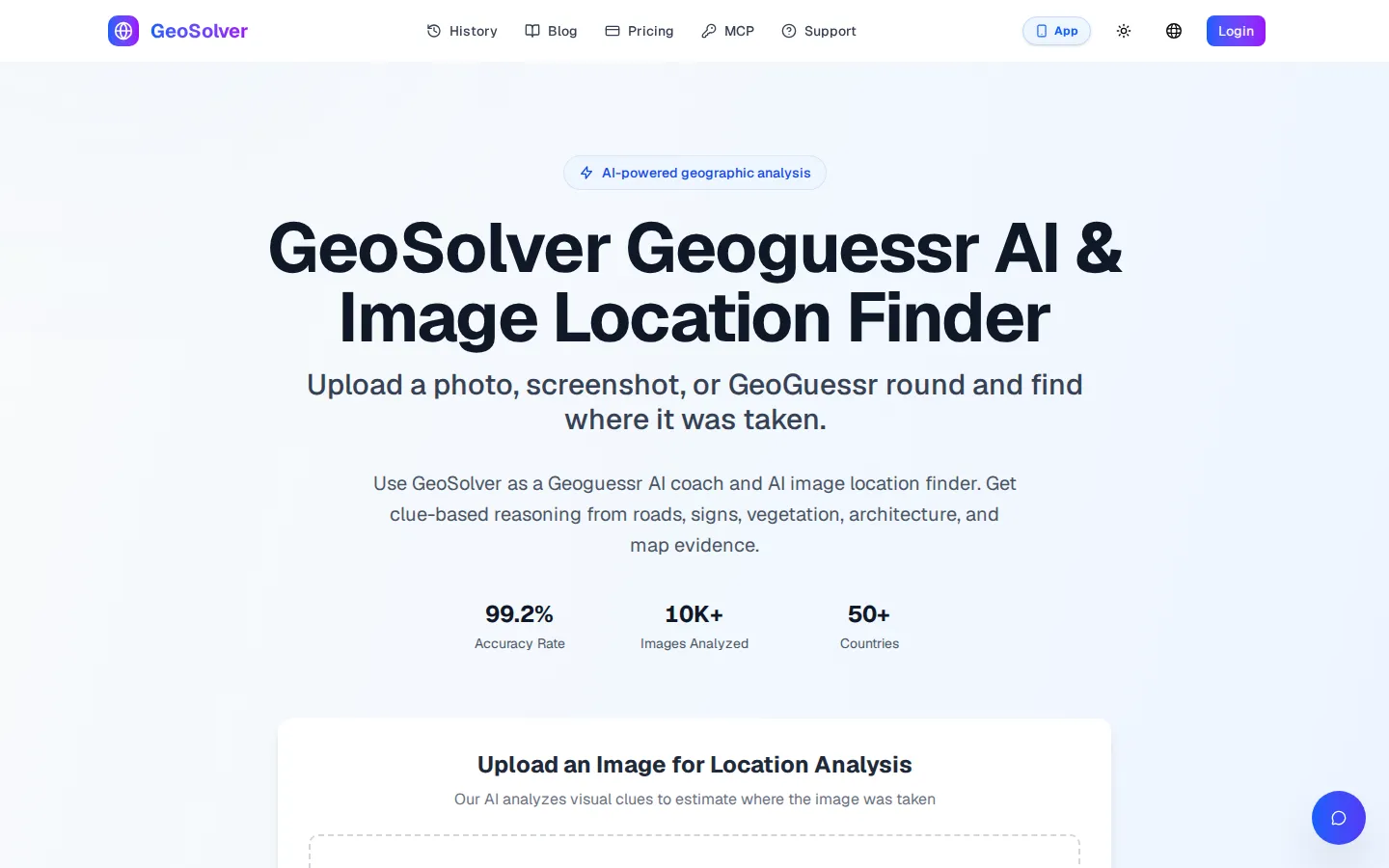
GeoSolver is a web-based AI image location finder built by Reverse Image Location. You upload a photo, screenshot, or GeoGuessr round and it estimates where the image was taken, returning a likely country, region, and map position along with the visual evidence behind the guess. The tool says it runs on Gemini 3.1 Pro and reads learnable meta clues such as road markings, traffic bollards, signs and language, vegetation, architecture, soil colour, and the specific generation of the Google Street View camera. GeoSolver positions itself as a GeoGuessr AI coach rather than a script: instead of injecting code into the game, it works from screenshots and explains why a location fits, so players can learn to recognise the pattern themselves.
Around the core analyzer GeoSolver bundles a set of free browser utilities, including an EXIF viewer, an EXIF data remover, a GPS coordinate extractor, an Error Level Analysis tool, and a photo forensics workflow. Uploaded analyses are stored in a personal history archive so earlier rounds can be reviewed later. The site publishes headline figures of 99.2% country-level accuracy and more than 17,000 images analyzed, and it offers an MCP integration that lets compatible AI agents request analysis through a generated access token. A GeoSolver app is also listed on the App Store for iPhone. Accounts can preview key location clues for free, but full location details, the complete reasoning report, and map access require a paid monthly or yearly subscription.
Typical outputs name a country and often a region or city, for example Portugal's Algarve, central Kenya, or Dar es Salaam in Tanzania, together with a confidence estimate and the decisive clues. The site also hosts a tools hub with dedicated pages for reverse image search, GeoSpy, Picarta, and TinEye alternatives, plus learn guides covering Street View car meta and traffic bollards. According to its own counters, GeoSolver works across more than 50 countries and has processed over 26,000 images for professionals. It is presented as an independent third-party tool for educational and training use, and it is not affiliated with the official game platform. A language switcher and light or dark themes are available, and the upload area appears on the homepage as well as on the tool hub pages.
GeoSolver Core Features
Image to Location Analysis
Upload a photo, screenshot, or Street View capture and get a likely country, region, and map position.
Clue-Based Reasoning
Shows which visual evidence, such as roads, bollards, signs, vegetation, and architecture, drove each location estimate.
GeoGuessr Coaching Mode
Explains meta patterns, Street View camera generations, and regional quirks so players learn rather than copying answers.
Analysis History Archive
Saves past analyses so you can revisit rounds, compare guesses, and re-read the reasoning later.
Free EXIF and Metadata Tools
Companion viewers read camera settings, timestamps, and embedded GPS coordinates, plus a metadata remover and an Error Level Analysis tool.
MCP Access for AI Agents
Generates an access token so MCP-compatible agents can request GeoSolver analysis inside their own workflows.
Multilingual Interface
A built-in language switcher plus light and dark themes for extended study sessions.
Mobile Companion App
A GeoSolver app on the App Store for capturing and checking images away from the desktop browser.
Who is GeoSolver for?
GeoSolver is built for GeoGuessr players who want to understand the meta instead of copying a coordinate. That ranges from beginners learning bollards, road lines, and car camera generations to experienced players practising NMPZ, hard snapshots, and rural rounds where normal play is too information-sparse. Because the tool returns reasoning rather than only a pin, it also works as a training aid for anyone studying learnable meta seriously. It also fits people who work with images rather than games. OSINT researchers and private investigators can get a rough origin for a photo that has no EXIF or GPS data, while journalists and fact-checkers can sanity-check a claimed location before publishing. Social media users, online sellers, and dating app users may want to confirm whether a picture matches the place it claims to show, and travel planners or curious hobbyists can upload a single landmark shot to work out which region it belongs to. The bundled free tools widen the audience further: photographers, privacy-conscious users, and forensics hobbyists can read EXIF data, strip metadata, or run Error Level Analysis without paying. Directories and educators can also use it as an example of reasoning-first geolocation, since every result exposes the clues a human player would look for. It is less suited to anyone who needs guaranteed pin-accurate coordinates, a fully free workflow, or a documented REST API for high-volume automation.
GeoSolver Use Cases
Solve a hard GeoGuessr round by uploading the screenshot and reading the clue breakdown.
Find where a social media photo was taken after its EXIF data has been stripped.
Verify a claimed location during OSINT, journalism, or fact-checking research.
Study regional meta such as bollards, road lines, and Street View camera setups from explained examples.
Check whether a marketplace listing photo matches the city it claims.
Practise NMPZ and rural rounds by reviewing the reasoning behind difficult guesses.
Read embedded photo metadata with the free EXIF viewer before running visual geolocation.
Screen user-submitted images for rough geographic origin before deeper manual investigation.
GeoSolver Pros and Cons
Pros
- Upload-first workflow: drag, paste, or click an image and get a country, region, and reasoning report without any setup.
- Explains its evidence, so results double as GeoGuessr coaching instead of a bare coordinate.
- Free companion utilities, including an EXIF viewer, metadata remover, GPS coordinate extractor, and Error Level Analysis tool.
- Flexible billing with monthly and yearly plans, unlimited breakdowns on the yearly tier, cancel anytime, and a seven-day refund window.
- Power-user extras: a saved analysis history, an iPhone app, and an MCP token for connecting AI agents.
Cons
- There is no free plan or free trial, only a preview of key clues, so testing real accuracy costs money.
- The headline 99.2% accuracy figure is the vendor's own claim, and pinpoint results still depend on image quality.
- The monthly plan caps you at 30 AI breakdowns per day, and no public REST API is documented beyond the MCP token.
FAQ About GeoSolver
GeoSolver Pricing
GeoSolver has two paid tiers and no free plan, though visitors can preview key location clues before upgrading. Monthly access costs $19.99 per month and includes master-the-meta guidance, the pro-level reasoning engine, 30 daily AI breakdowns, round saving, and standard analysis speed. The yearly plan costs $69.99 per year, an effective $5.83 per month that the site lists as saving 71%, and adds unlimited AI breakdowns, an unlimited history archive, and the fastest analysis speed. Both plans can be cancelled anytime and carry a seven-day refund before paid use. There is no free trial or credit pack.
Check official pricingMonthly
Full access billed monthly: master the meta, pro-level reasoning engine, 30 daily AI breakdowns, save and review rounds, and standard analysis speed.
Yearly
Best value billed yearly at an effective $5.83 per month (71% saving): unlimited AI breakdowns, unlimited history archive, and fastest analysis speed.
GeoSolver Alternatives

Vert
Vert is a computer-vision parking operations platform for property managers, municipalities and parking operators. It pairs smartphone-based automatic license plate recognition with digital permits, guest registration, hourly and monthly payments, violation ticketing, appeals and reporting in one branded system. Teams scan plates on foot or by vehicle, check infractions against live permit and payment records, and issue digital or printed notices without separate camera hardware.

BlockPoster.ai
Create custom block posters from your photos or AI-generated art with BlockPoster.ai. Easily crop, split, and preview designs for free.

Visidea
Visidea is an AI-powered search and discovery suite for online stores, combining image-based visual search, natural-language semantic search and machine-learning product recommendations, plus email recommendations, in one subscription. Ready-made plugins cover Shopify, WordPress/WooCommerce, Magento and PrestaShop, and a documented REST API fits custom or headless storefronts. A 14-day free trial leads into paid plans from EUR 34.99 per month.