
FlexClip
FlexClip is a browser-based video maker and editor that combines 6,000+ templates with AI tools for generating videos, images, and voiceovers. Marketers, small businesses, educators, and content creators use it to produce social clips, ads, intros, and slideshows without editing experience. Free users get 720p exports and AI trials; paid Plus and Business plans add 1080p/4K exports, AI credits, more stock media, brand kits, and larger cloud storage.
What is FlexClip?
FlexClip is an online AI video maker and editor that enables users to create and edit videos entirely in the browser using templates, stock media, and AI tools. The platform ships with more than 6,000 customizable templates organized by use case, including business, store, intro/outro, community, sport, wedding, slideshow, and marketing categories, so users can start from a professionally designed foundation rather than a blank timeline. The editor supports trimming, text overlays, transitions, music, and voiceover, while the AI toolkit adds text-to-video generation, AI image creation, AI voiceovers, automatic subtitles, and an AI Recreate feature that restyles existing templates. FlexClip also provides a large stock library of videos, photos, and audio, plus a brand kit for consistent colors, fonts, and logos across projects. Export options range from 720p HD on the free plan to 1080p Full-HD on Plus and 4K Ultra HD on Business, with flexible cloud storage and video hosting spaces depending on the plan. Free users can work on up to 12 projects with videos up to 10 minutes, using one stock video and one stock audio per project. Paid plans remove the FlexClip watermark, raise per-project stock media limits, add AI credit bonuses each year, and support unlimited projects and video length. Team plans are available for groups that need seat-based collaboration, and users can save custom templates for reuse. The product targets non-editors who want fast, polished output, and it is trusted by a large base of business and individual users worldwide. Because everything runs in the browser, FlexClip requires no software installation and works across Windows, Mac, and Chromebooks. The editor's timeline supports drag-and-drop arrangement of clips, text, transitions, and audio, making it approachable for first-time editors while still offering enough control for regular content production. FlexClip also provides a music library, voiceover recording, and automatic text-to-speech options that can be combined with AI-generated visuals to assemble complete videos from a single prompt. Projects are saved to the cloud automatically, so users can start a video on one device and continue on another. The platform regularly adds new templates and AI capabilities, which keeps the template library current with seasonal marketing needs such as sales promos, holiday greetings, and product launches.
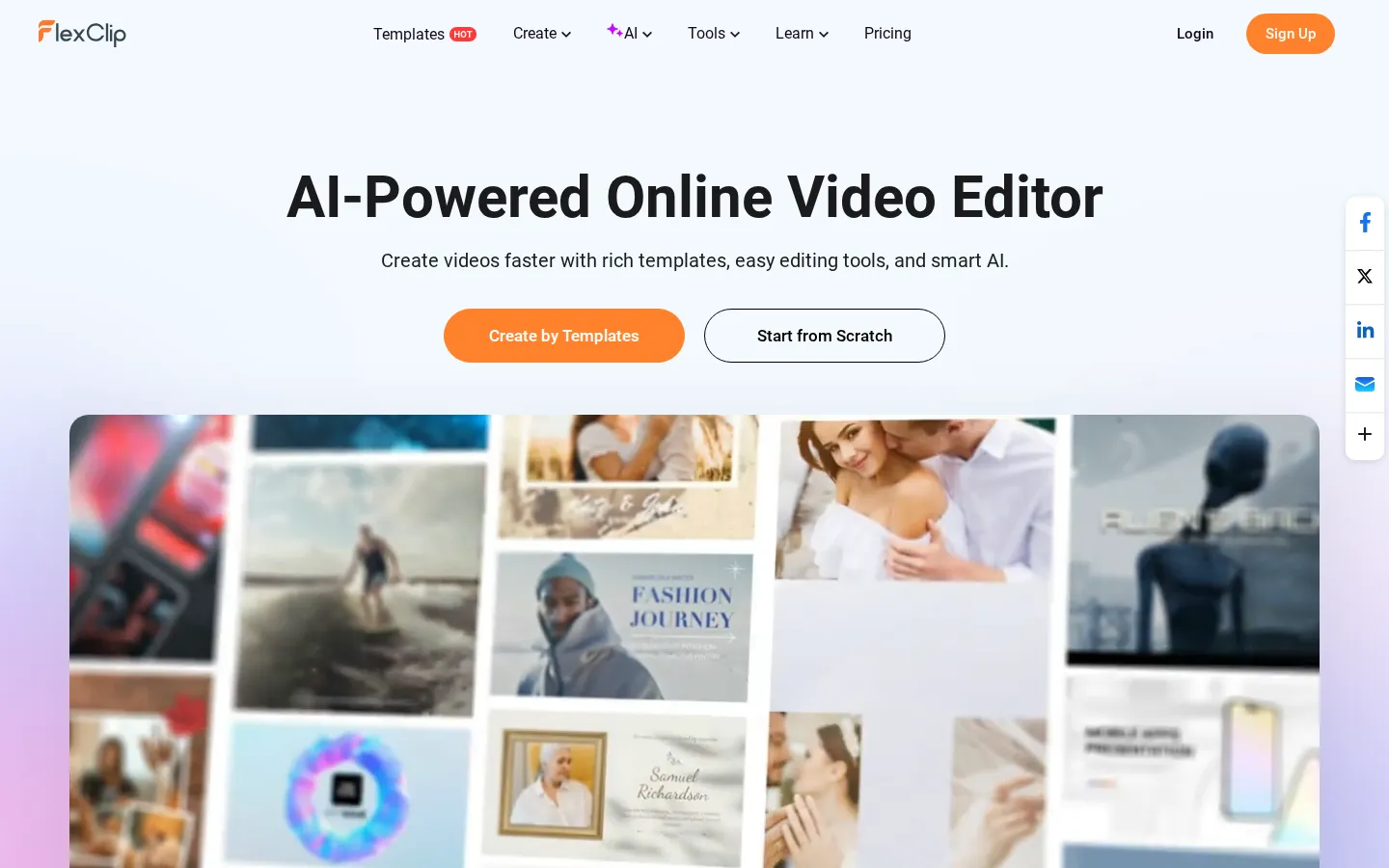
FlexClip Core Features
6,000+ templates
Professionally designed starters for business, marketing, weddings, slideshows, intros, and more.
AI video generation
Create videos from text prompts and access AI tools for images, voiceovers, and subtitles.
AI Recreate
Restyle existing templates with AI to produce fresh variations of a design.
Stock media library
Built-in access to stock videos, photos, and audio to enrich any project.
Brand Kit
Keep colors, fonts, and logos consistent across all your video projects.
Cloud storage and hosting
Save projects online, store exported videos, and access everything from any device.
Multi-resolution export
Export from 720p HD on free plans up to 1080p Full-HD and 4K Ultra HD on paid plans.
Team collaboration
Seat-based team plans let groups share templates, brand assets, and projects.
Who is FlexClip for?
FlexClip serves a broad range of video creators who need fast, template-driven editing without learning professional software. Small business owners and marketing teams use it to produce product promos, social media ads, and seasonal campaign videos from the template library and AI generation tools. Social media managers and content creators rely on it for short-form videos for TikTok, Instagram, and YouTube, including intros, outros, and slideshow content. Educators and trainers create lesson videos, presentations, and webinar explainers with the help of templates and built-in stock media. E-commerce sellers and agencies produce product showcase videos and advertising creatives at scale, taking advantage of team plans and brand kits to keep output consistent. Freelancers and non-designers who want quick results use the AI video generator and AI Recreate features to turn text or existing templates into polished clips. Nonprofits, event organizers, and wedding photographers also use FlexClip for slideshows, invitations, and recap videos. In short, anyone who needs to make good-looking videos quickly on the web, from beginners to small professional teams, fits FlexClip's audience. Local businesses that cannot afford a dedicated video editor use FlexClip to maintain consistent social media presence, while agencies producing client deliverables rely on the brand kit and team plans to enforce visual consistency. Course creators and coaches turn webinar recordings and slide decks into promo videos and lesson recaps. Event photographers and families assemble celebration slideshows for weddings and milestones. The AI generation features also attract e-commerce teams that need many video variations of the same product for ad testing, since AI Recreate can quickly produce alternative takes on a single template.
FlexClip Use Cases
Create product promo videos and seasonal ad creatives for e-commerce stores and marketing campaigns.
Produce TikTok, Instagram, and YouTube short-form videos from templates with AI captions and voiceovers.
Build wedding slideshows, anniversary recaps, and event invitation videos for personal celebrations.
Turn lecture notes and presentation content into engaging training videos and webinar explainers.
Generate logo reveals, intros, and outros that give YouTube channels and brands a consistent look.
Use AI Recreate to spin existing templates into fresh variations for A/B testing ad creative.
Assemble sales pitch videos and business presentation clips for pitches, reports, and proposals.
FlexClip Pros and Cons
Pros
- Huge template library and stock media make it possible to produce polished videos in minutes.
- AI features like text-to-video and AI Recreate lower the skill bar for non-editors.
- Generous free plan with 720p exports, plus affordable Plus and Business tiers for scaling up.
- Runs entirely in the browser with team plans, brand kits, and cross-device cloud access.
Cons
- Free plan limits projects to 12, videos to 10 minutes, and adds a FlexClip watermark on some exports.
- Stock media and advanced AI credits are capped per project on lower tiers.
- Browser-based editing may feel less powerful than desktop editors for complex multi-track work.
FAQ About FlexClip
FlexClip Pricing
Freemium: Free plan with 720p exports; Plus from $11.99/mo (annual) and Business from $19.99/mo (annual), with team plans available.
Check official pricingFree
720p HD downloads, free trial of AI features, 1 stock video/audio per project, 12 projects, 10-minute videos.
Plus
1080p Full-HD, 3,600 AI credits bonus/yr, 5 stock videos/audio per project, no watermark, 30GB cloud space.
Business
4K Ultra HD, 9,600 AI credits bonus/yr, unlimited stock media, no watermark, 100GB cloud space.
FlexClip Alternatives

Filmpire
Filmpire combines AI video, image, and voice generation in one browser studio built on a shared credit balance. Start from a prompt or reference image, choose from models such as Hailuo, Seedance, Kling, Veo, or GPT Image, let the AI director plan a full story, then export watermark-free files with commercial rights on any paid plan.

APIPod
APIPod is a unified AI media generation API for developers: one key unlocks 156 image, video and language models from 14 providers, including Seedance, Google Veo, Sora, Nano Banana, GPT Image, Kling, Wan and MiniMax. Billing is pay-as-you-go through credit top-ups, metered per token, request or second, with weighted multi-channel routing, automatic failover and circuit breakers on every request.
Sartoris
Sartoris is a browser-based AI creative studio that generates premium still images and cinematic video from text prompts, with optional start and end frames plus image, video, and audio references. It runs on purchased credits rather than a subscription, keeps one library for both media types, and deletes finished generations twelve hours after they are created.