
Dzine
Dzine is an AI image generation and design platform that gives users control over composition with layers, positioning, and sketching. It includes predefined styles, a Dzine Assistant for prompt writing, one-click Enhance, and a wide range of AI video and photo tools. Free accounts receive 100 credits at registration plus 30 daily credits, with paid plans from $8.99 per month.
What is Dzine?
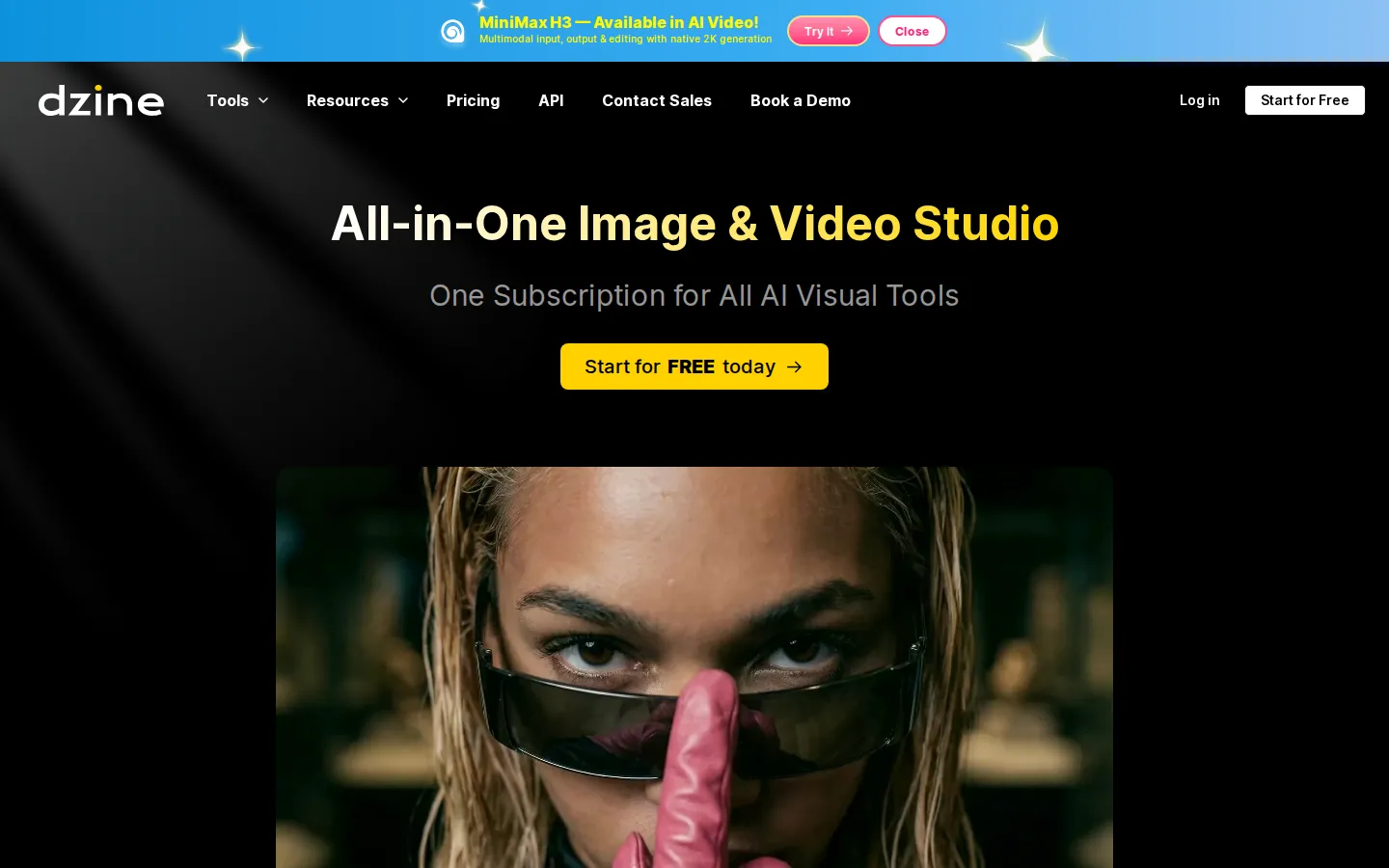
Dzine is an AI-powered image generation and design tool that gives users far more control over results than a simple text-to-image prompt box. Formerly known as Stylar, the platform combines AI generation with familiar design concepts such as layers, positioning, and sketching, so users can compose images the way they would in professional design software. Its layer-based composition board lets users drag and drop elements, unify them into a coherent style, and preserve composition structure when restyling materials. The Dzine Assistant acts as a design agent that writes and optimizes prompts through natural conversation, while predefined styles let users customize designs without writing complex style prompts. The one-click Enhance tool addresses common AI image problems like distorted faces and hands, and the auto-selection tool cuts objects out as new layers for reuse. Dzine supports export resolutions up to 6144 by 6144 pixels at 2x, 3x, and 4x, making output suitable for print and high-resolution media. Beyond image generation and editing, Dzine offers an extensive tool suite including AI video generators, lip sync and talking avatar tools, text-to-speech, AI podcast generation, image-to-3D conversion, generative fill, watermark removal, and video enhancement. Pricing is credit-based: new users get 100 free credits at registration plus 30 free credits refreshed daily, and paid plans range from the Beginner plan at $8.99 per month with 1,000 credits to the Master Pro plan at $149.99 per month with 30,000 credits, with credit rollover of up to three months on higher tiers. Dzine positions itself as an approachable alternative for Midjourney users who want visual control and for WebUI users who want a friendlier interface. The platform's tool suite spans the full creative workflow, from initial concept generation through refinement and export, which reduces the need to switch between multiple applications. The layer-based approach also makes collaboration with traditional design workflows easier, since assets can be moved between Dzine and conventional editors. Credit consumption is clearly communicated per feature, so users can estimate costs before generating, and the daily free credits keep the platform usable for light personal projects indefinitely. With regular model updates and an expanding tool list that now includes video, 3D, and audio generation, Dzine positions itself as a comprehensive creative suite for the AI-native designer rather than a single-purpose generator.
Dzine Core Features
Layer-based composition
Drag-and-drop board for accurate image layout with elements as editable layers.
Predefined styles
Apply curated styles without writing complex style prompts.
Dzine Assistant
Design agent that writes and optimizes prompts through natural conversation.
One-click Enhance
Fix AI-generated faces, hands, and artifacts with a single click.
High-resolution export
Export up to 6144x6144px at 2x, 3x, and 4x resolutions.
AI video tools
Video generation, lip sync, talking avatars, and AI podcast creation.
Auto-selection cutout
Split images into layers with a few clicks and save objects as reusable assets.
Generative fill & editing
Add, remove, or replace elements with AI editing tools.
Who is Dzine for?
Dzine serves graphic designers who want AI generation with real layout control, marketing teams creating campaign visuals and social media graphics, e-commerce sellers producing product images and lifestyle shots, and content creators who need video generation, lip sync, and avatar tools. Midjourney users who find prompt-only workflows limiting use Dzine's visual controls, while Stable Diffusion WebUI users switch for a friendlier interface. Small businesses use it for logos, posters, and branding assets, and hobbyists use the generous free credits for personal creative projects. Marketing teams at e-commerce brands produce campaign visuals and video ads, while social media creators generate lip-sync clips, avatars, and engaging content for their channels. Graphic designers incorporate AI generation into client work with composition control, and small business owners design logos, menus, and promotional materials without hiring agencies. Course creators and YouTubers generate thumbnails, talking-head videos, and podcast content, while product teams create concept images and 3D previews. Photographers use enhancement tools to repair and upscale images, and hobbyists explore creative projects with the free daily credits, making Dzine useful across commercial and personal creative work. Podcasters and audio creators use the AI podcast and text-to-speech tools, while product teams create concept images and 3D previews for presentations and launches.
Dzine Use Cases
Create marketing campaign visuals with controlled composition and consistent style.
Generate product images and lifestyle shots for e-commerce listings.
Design logos, posters, and branding assets without complex design software.
Produce lip-sync videos and talking avatars for social content.
Restyle existing materials into a new coherent style while preserving layout.
Enhance AI-generated images with one-click fixes for faces, hands, and artifacts.
Dzine Pros and Cons
Pros
- Layer-based control is rare in AI image tools and genuinely improves composition quality.
- Free tier includes 100 credits on signup plus 30 daily credits.
- Broad tool suite covers image, video, lip sync, avatar, and 3D workflows.
- High-resolution export up to 4x suits professional and print use.
Cons
- Credit-based pricing means heavy generation requires paid plans quickly.
- Advanced features like credit rollover are limited to higher tiers.
- The breadth of tools can be overwhelming for absolute beginners.
FAQ About Dzine
Dzine Pricing
Free: 100 credits on signup + 30 daily; paid from $8.99/mo (1,000 credits) to $149.99/mo (30,000 credits) with rollover on higher tiers.
Check official pricingFree
100 credits at registration plus 30 free credits refreshed daily
Beginner
1,000 credits per month
Creator
6,000 credits per month
Master
9,000 credits per month with rollover
Master Pro
30,000 credits per month with rollover
Dzine Alternatives

Filmpire
Filmpire combines AI video, image, and voice generation in one browser studio built on a shared credit balance. Start from a prompt or reference image, choose from models such as Hailuo, Seedance, Kling, Veo, or GPT Image, let the AI director plan a full story, then export watermark-free files with commercial rights on any paid plan.

JuicyChat.AI
JuicyChat.AI is a browser-based adult character chat platform built around a large library of community-created personas. You pick a card, open a roleplay and steer the story with your own messages, then extend it with generated images, short videos, voice playback and saved memories. A free tier covers basic chatting, while Premium, Deluxe and Diamond memberships add longer context, more coins and unlockable albums.

APIPod
APIPod is a unified AI media generation API for developers: one key unlocks 156 image, video and language models from 14 providers, including Seedance, Google Veo, Sora, Nano Banana, GPT Image, Kling, Wan and MiniMax. Billing is pay-as-you-go through credit top-ups, metered per token, request or second, with weighted multi-channel routing, automatic failover and circuit breakers on every request.