
AIVideoFree
AIVideoFree is a browser-based AI creation platform for generating videos and images from text or photos. It bundles text-to-video, image-to-video, video-to-video, image generation, and editing tools, giving users access to a large library of popular models such as Wan, Sora, Kling, and Seedance. New accounts receive free credits and can start creating without a credit card right away.
What is AIVideoFree?
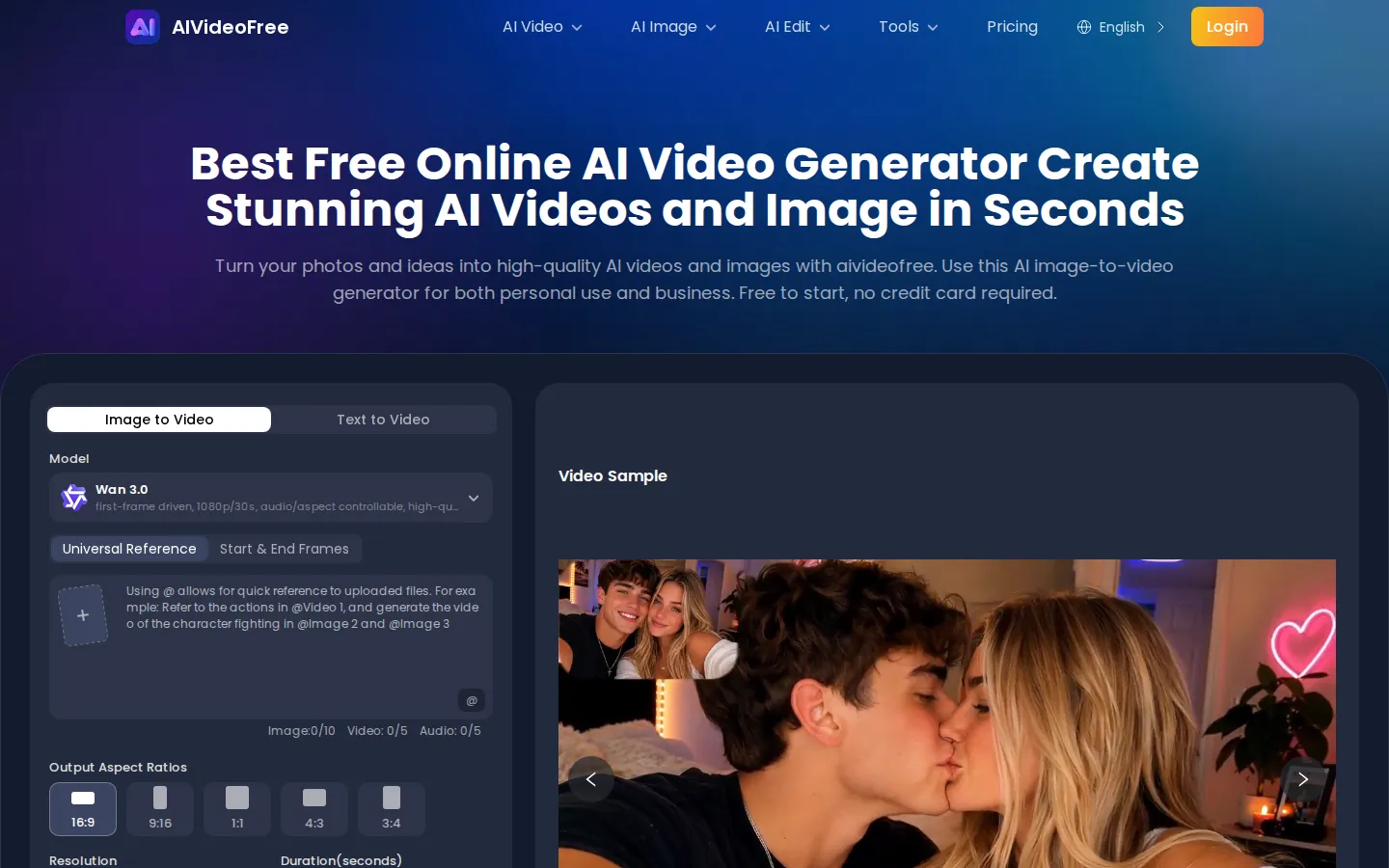
AIVideoFree is a free online AI video and image generation platform that turns text prompts and photos into finished videos and images directly in the browser. It presents itself as a one-stop workspace for AI creation, combining a video generator, an image generator, and a set of editing tools behind a single login. On the video side it supports text-to-video, image-to-video, and video-to-video generation, plus specialized tools such as an AI image animator, AI kissing video, and AI hug video that animate one or two photos. On the image side it offers an AI image generator, an AI photo generator, and text-to-image creation. A separate editing section includes an AI video editor, video face swap, video watermark remover, and AI video enhancer, alongside image editing tools like image-to-image, AI face swap, AI clothes changer, swimwear try-on, photo-to-cartoon conversion, and an AI image upscaler. A notable selling point is model breadth: the platform advertises twelve video models and ten image models in one place, listing names such as Wan 3.0, Seedance 2.5, Minimax H3, Veo, Kling 3.0, Sora 2, Grok, Runway, GPT Image 2.5, Nano Banana 2, Seedream 5 Pro, and Qwen Image 3.0 Pro. Instead of locking users into one engine, AIVideoFree lets them choose the model that best fits the task. The generation workflow is deliberately simple: select a video type, choose a model, then either upload a starting image or type a text prompt and press generate. Advanced users can refine output with start and end frame modes, multiple aspect ratios including 16:9, 9:16, 1:1, 4:3, and 3:4, resolution choices starting at 480p, duration settings, optional audio generation, and prompt optimization. The company positions the product for both personal and business use, highlighting social media content, advertising, education, storytelling, e-commerce product videos, and personal projects as core scenarios, and it claims creators can publish across TikTok, Instagram, and YouTube. AIVideoFree states that every new account receives free credits with no credit card required and that outputs are generated without a watermark; once free credits run out, users can buy one-time credit packs or subscribe to annual or monthly plans. The platform claims more than one hundred thousand creators and advertises generation times of seconds for most videos.
AIVideoFree Core Features
Text to video generation that turns written prompts into finished clips.
Image to video generation that animates uploaded photos into motion.
Access to twelve video models and ten image models in one place.
AI image generator and photo generator for creating visuals from text.
Video and image editing tools covering face swap, upscaling, and watermark removal.
Flexible output controls for aspect ratio, resolution, duration, and audio.
Start and end frame mode for precise control over video motion.
Credit packs and subscriptions that let purchased credits never expire.
Who is AIVideoFree for?
AIVideoFree is aimed at people who want to produce video and image content quickly without hiring an editing team or learning complex software. Social media managers and content creators can use it to turn everyday photos, product shots, or simple prompts into platform-ready clips for Instagram, TikTok, and YouTube. Small business owners and e-commerce sellers can generate product videos for Shopify, Amazon, and TikTok Shop without a studio or a large budget. Marketers and advertisers can create promotional ad clips and campaign visuals in minutes rather than weeks. Educators and trainers can convert text or image-based course materials into structured training videos, with support for generating content in up to seventeen languages. Storytellers, filmmakers, and hobbyists can assemble short films, animated stories, and personal creative projects by describing scenes in text, keeping characters and locations as reusable elements. Anyone who wants to test AI video and image models before committing to a subscription will also find the free credits useful, because the platform aggregates many leading models in one interface and lets users sample them rather than subscribe blindly. Beginners benefit because the workflow is simple: pick a video type, choose a model, upload an image or write a prompt, and download the result. Professional creators benefit because the same interface exposes advanced options such as start and end frames, aspect ratio control, resolution selection, duration settings, audio generation, and prompt optimization. Overall, AIVideoFree suits individuals and teams who prioritize speed, breadth of models, and low upfront cost over deep manual editing control.
AIVideoFree Use Cases
Create short social media videos for Instagram, TikTok, and YouTube.
Generate product videos for Shopify, Amazon, and TikTok Shop listings.
Produce advertising and marketing clips without a film crew.
Turn course materials into structured training and education videos.
Animate personal photos into kissing, hugging, or motion clips.
Restyle and edit existing footage with face swap or watermark removal.
Generate images and illustrations from text prompts for design work.
Build short films and animated stories from simple scripts.
AIVideoFree Pros and Cons
Pros
- Free to start with credits and no credit card required.
- Aggregates many leading video and image models in a single interface.
- Simple three-step workflow that needs no editing experience.
- Outputs are advertised as watermark-free for clean downloads.
- Broad toolset spanning generation, editing, and upscaling.
Cons
- Free credits are limited, so continued use requires buying packs or a subscription.
- Model catalog may lag behind the newest releases on dedicated platforms.
- Advanced editing controls are lighter than dedicated professional editors.
FAQ About AIVideoFree
AIVideoFree Pricing
AIVideoFree is free to start with per-account free credits and no credit card, then uses one-time credit packs from $6.90 for 600 credits up to $129.90 for 24,000 credits, with credits that never expire, alongside annual or monthly subscriptions starting around $7.40 per month.
Check official pricingFree
Free credits for every new account with no credit card required to start generating.
Starter Pack
600 credits with all features included; credits never expire.
Small Pack
1500 credits with all features included; credits never expire.
Medium Pack
3500 credits with all features included; credits never expire.
Large Pack
8000 credits with all features included; credits never expire.
Pro Pack
13000 credits with all features included; credits never expire.
Mega Pack
24000 credits with all features included; credits never expire.
Basic (Annual)
Billed yearly at 17% off with 14,400 annual credits and up to 1,000 videos per year.
Plus (Annual)
Billed yearly with 36,000 annual credits and up to 25,000 videos per year.
AIVideoFree Alternatives

Filmpire
Filmpire combines AI video, image, and voice generation in one browser studio built on a shared credit balance. Start from a prompt or reference image, choose from models such as Hailuo, Seedance, Kling, Veo, or GPT Image, let the AI director plan a full story, then export watermark-free files with commercial rights on any paid plan.

APIPod
APIPod is a unified AI media generation API for developers: one key unlocks 156 image, video and language models from 14 providers, including Seedance, Google Veo, Sora, Nano Banana, GPT Image, Kling, Wan and MiniMax. Billing is pay-as-you-go through credit top-ups, metered per token, request or second, with weighted multi-channel routing, automatic failover and circuit breakers on every request.
Sartoris
Sartoris is a browser-based AI creative studio that generates premium still images and cinematic video from text prompts, with optional start and end frames plus image, video, and audio references. It runs on purchased credits rather than a subscription, keeps one library for both media types, and deletes finished generations twelve hours after they are created.