Canva AI Image Generator
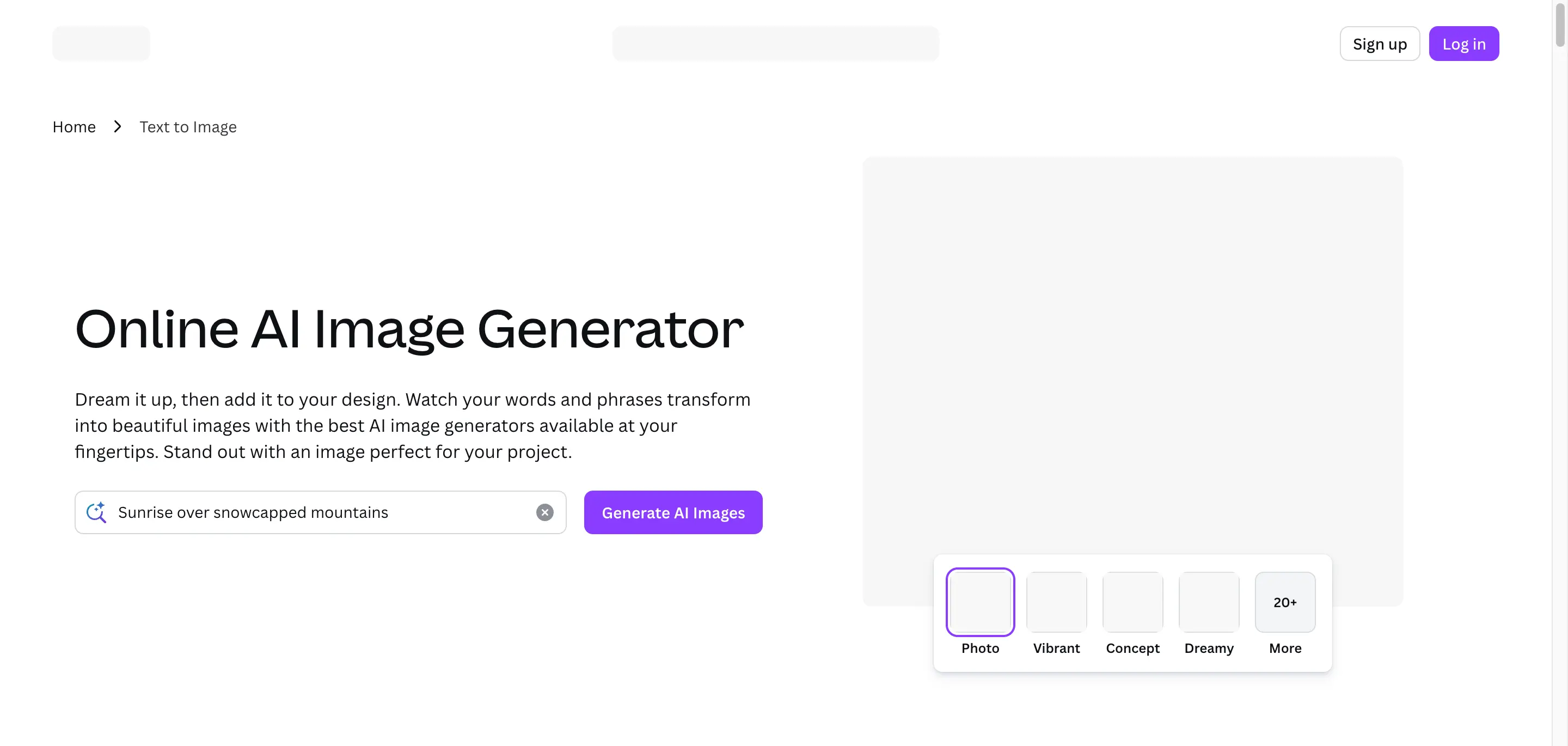
Canva AI Image Generator helps users create images from prompts and turn them into social posts, ads, presentations, and polished marketing designs.
What is Canva AI Image Generator?
Canva AI Image Generator helps users create images from text prompts and turn them into finished designs inside Canva. It is useful for people who want AI-generated visuals without leaving a template-based design workflow. Marketers, creators, educators, small businesses, social media teams, and non-designers can generate images and place them into practical design assets.
The main advantage is the connection between image generation and Canva's broader editor for posters, ads, slides, thumbnails, and social posts. Users who need specialized art direction, advanced model controls, or developer APIs may want to compare Canva with dedicated AI image tools.
Canva AI Image Generator Core Features
Text-to-image generation
Create images from prompts inside Canva.
Template integration
Place generated visuals into designs, slides, and social posts.
Marketing asset creation
Produce graphics for ads, campaigns, and content calendars.
Design editor workflow
Continue editing AI images with Canva design tools.
Beginner-friendly creation
Generate visuals without advanced design or prompting skills.
Brand-ready layouts
Turn image ideas into polished Canva compositions.
Who is Canva AI Image Generator for?
Canva AI Image Generator is for creators, designers, marketers, agencies, small businesses, social media teams, product teams, and brand teams that need faster visual ideation or AI-assisted image production. The exact best-fit audience should be confirmed after reviewing the official workflow and pricing.
Canva AI Image Generator Use Cases
Generate images for Canva social templates.
Create presentation visuals from text prompts.
Design posters or flyers with generated images.
Produce campaign concepts inside Canva.
Make classroom or training visuals quickly.
Add AI visuals to brand layouts.
Canva AI Image Generator Pros and Cons
Pros
- Works inside familiar Canva workflows
- Good for non-designers and template-based work
- Useful for social, presentation, and marketing assets
Cons
- Advanced prompt controls may be limited
- Usage limits vary by plan and tool
- Commercial licensing should be checked in Canva terms
FAQ About Canva AI Image Generator
Canva AI Image Generator Pricing
Canva offers free and paid design plans; AI image generation usage limits and licensing should be checked in Canva’s current terms.
Check official pricingCanva AI Image Generator Alternatives

Krea AI
Krea AI is a creative AI platform for generating images, video, 3D assets, upscaling, editing, LoRA training, and API-based creative workflows for teams.

Playground AI
Playground AI is an AI image generator and design workspace for creating, editing, exploring, remixing, and organizing prompt-based creative visuals.

Magnific
Magnific is an AI image generator and creative suite for generating, editing, upscaling, searching, and managing production-ready visual assets fast.